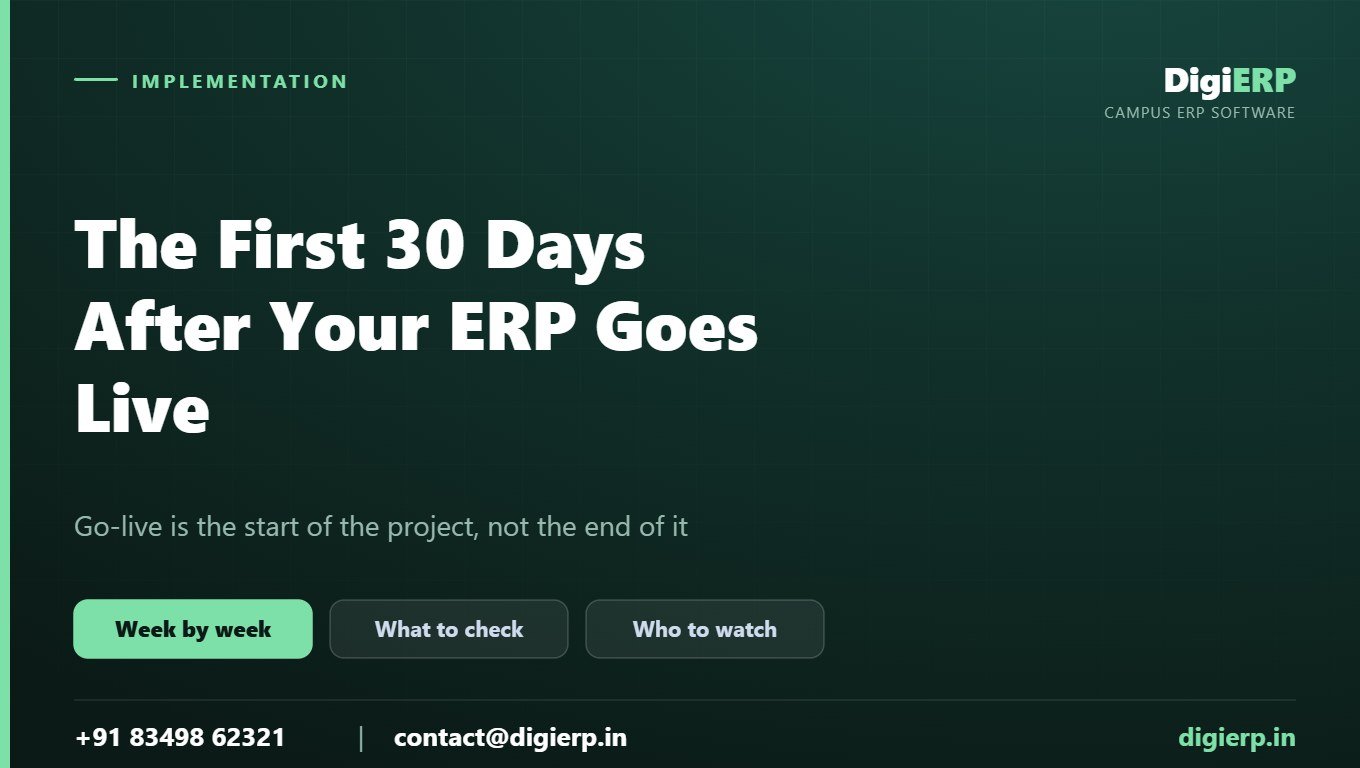
Most institutes treat go-live as the finish line. It is closer to the starting gun. The month that follows decides whether the system becomes how your office works or an expensive login nobody opens, and almost everything that goes wrong in year two is visible in week one if you know where to look.
Here is the plan we run with institutes, and you can hold any vendor to the same shape.
Week 1 — prove the numbers
Nothing else matters until the data is trusted, because an office that doubts one report doubts all of them.
- Reconcile outstanding dues to the rupee against your books as on the cut-off date. Not “close enough”. Equal.
- Check student count by class against your register, and confirm no admission number appears twice.
- Walk five concession cases and one refund line by line through the ledger.
- Reprint a receipt issued in the old system and hold it against the paper copy.
- Request a transfer certificate for a student who left two years ago and see what comes out.
If any of these fail, stop adding modules and fix it. A migration is not finished when the data is loaded; it is finished when it reconciles.
Week 2 — get everyone actually logged in
Adoption is decided now. Every person who touches the process needs their own login and a reason to open it this week — the fee clerk, the class teachers, the librarian, the hostel warden, the accounts staff. Individual logins, never shared ones.
The signal to watch: pull the list of logins used in the last seven days. If fewer than half your staff appear, you have an adoption problem forming, not a software problem. Deal with it while it is two weeks old.
Week 3 — put your own formats in and kill the parallel registers
Receipts, challans, mark sheets and transfer certificates should now carry your institute’s own format, not a default. At the same time, go looking for the shadow system — the Excel file somebody is still keeping “just to be sure”. It is always there at week three. Find out what it contains, because it is a precise list of what the ERP has not yet earned trust on.
And if your affiliating university’s reporting format is not coming out exactly right, raise it now. “Almost right” becomes a permanent re-typing job if it survives the first cycle.
Week 4 — stress it, then review
Run a real load through it: a day of fee collection across all your channels, a full attendance cycle, one examination entry. Then sit down with the people using it daily — not the principal, the clerks — and ask one question: what are you still doing on paper?
Whatever they name is your month-two agenda.
What to add next, and in what order
Go live with admissions and fees first. Once those are running cleanly, add examinations, then library, hostel and transport, then payroll and accounts. Institutes that switch everything on at once usually end up trusting none of it, because when a figure looks wrong there are too many places it could have come from.
Four signals that the project is slipping
- Someone exports to Excel before showing a number to management. The data is not trusted yet.
- Ticket volume drops to zero in month two. That is not success — staff have stopped asking and gone back to paper.
- The same two people answer every internal question. Training did not reach the desk.
- A register of exceptions exists outside the system. The software cannot handle your real cases, and the workaround is becoming the process.
Each one is recoverable in month one and expensive in year two.
What we do during this month
For DigiERP institutes the first 30 days are part of the engagement rather than a paid extra: reconciliation before go-live, your formats applied, training by role at the desk, and unlimited support and training sessions afterwards for as long as you are with us. Implementation is done by the team that builds the product, so there is no handover at exactly the point where handovers fail.
Talk to us
DigiERP is built for schools, colleges and universities: all modules included, unlimited students, staff and parent accounts, one flat annual AMC, live in 1–2 weeks, implemented by the team that builds it, and exit on one month’s notice with a free data handover. Call +91 83498 62321 or write to contact@digierp.in and we will run your own data through the system, no obligation.
More on choosing campus ERP: Top 5 ERP software in India · Top 25 · the state-by-state guide.