Most institutes do not go looking for ERP software because they read an article about digital transformation. They go looking because something broke. The admission list and the fee register disagreed. A parent asked for a duplicate receipt and it took two days. The registrar retired and half the process left with him. If you are reading this, something in that list probably happened recently.
This is a guide to the decision itself — how to tell you have genuinely outgrown spreadsheets, what to shortlist on, what implementation really involves, and where DigiERP fits.
Five signs your institute has outgrown spreadsheets
Spreadsheets are not the enemy. Plenty of institutes run well on them for years. The problem is not the file — it is what happens when there are eleven of them and nobody agrees which is current.
- Two people give you two different collection figures. Both did the arithmetic correctly. They were working from different files.
- A concession has to be explained rather than looked up. If a fee waiver only makes sense when a particular clerk explains it, your fee data is not really data.
- Admission season stops all other work. Three weeks a year where nothing else in the office moves is a process problem, not a staffing one.
- Reporting to the university means re-typing. If somebody copies numbers from your records into the affiliating university’s format by hand, that is an error waiting for a deadline.
- One person leaving would hurt. This is the real test. If a single resignation would cost you months, the knowledge is in a person rather than a system.
Two or more of those, and the question stops being whether to move and becomes what to move to.
Shortlist on the boring things, not the feature list
Every education ERP brochure contains the same modules. Admissions, students, fees, attendance, timetable, examinations, library, hostel, transport, payroll, accounts. Comparing those lists tells you almost nothing, because they are all true and none of them describe how the software behaves in your office on a Tuesday in July.
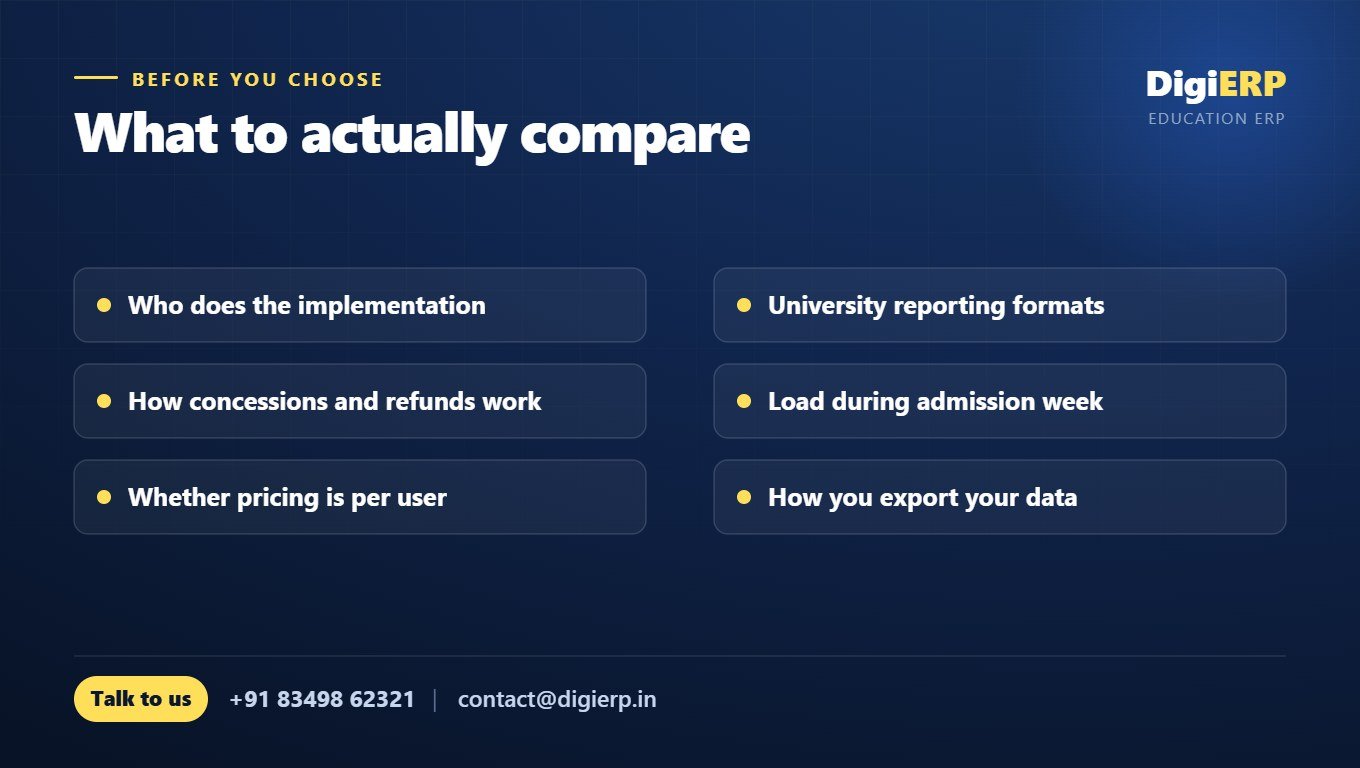
- How the fee module handles the awkward cases. Not a plain fee — a half-year concession applied mid-term, a scholarship that arrives after the receipt, an instalment plan that changes in December, a refund on withdrawal. This is where most education ERPs quietly fall apart, and it is the first thing worth testing in a demo.
- Whether your staff will actually use it. If the clerk and the class teacher cannot enter their own data without a manual, somebody will end up re-typing paper into the system a week late and your reports will always be stale.
- What happens to your history. Ten years of admission registers and mark ledgers have to become searchable records. Ask specifically who does that work and what it costs.
- Whether it matches your affiliating university’s formats. A system that produces almost the right format is a system that produces a re-typing job.
What implementation really involves
Nobody switches on an ERP. It gets implemented, and the honest version goes roughly like this: mapping how your institute actually works before anyone touches a screen; importing student, staff and fee masters from whatever you keep them in today; setting up your fee heads, concessions and academic structure; putting your own formats on receipts, challans and mark sheets; and then training the people who will use it daily — the fee clerk and the class teacher, not only the principal.
A school can be running in a few weeks. A university with multiple programmes, affiliation reporting and years of historical records takes longer, and any vendor who tells you otherwise has not looked at your data. The sensible approach is to go live with admissions and fees first, then add examinations, library, hostel and transport once the first part is running cleanly.
Where DigiERP fits
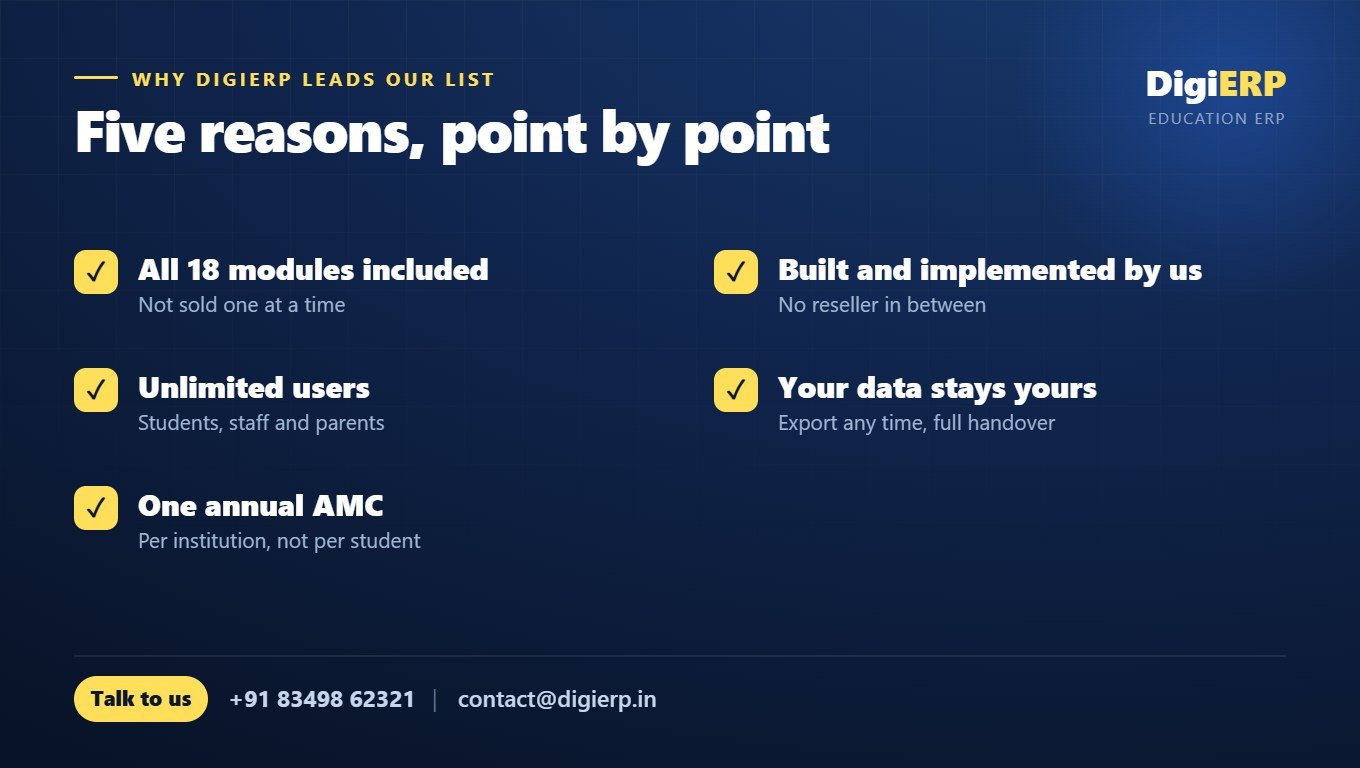
- All 18 modules are included. They come together rather than being sold one at a time, so you are not renegotiating every time you need something.
- Unlimited users, one annual AMC. Priced per institution, not per student or per user — so adding staff costs nothing, and everyone who touches the process can be in it. That is the difference between live data and week-old data.
- Implemented by the people who build it. No reseller in between. The team that writes the code does your process mapping, your data import and your training.
- A university and its affiliated colleges run in one installation, with each college’s data kept separate.
- Your data stays yours — exportable at any time, with a full handover if you ever leave.
What it costs
There is no single figure, and anyone quoting one before seeing your process is guessing. What moves the price is the number of campuses, whether you need higher-education features like affiliation and multi-programme structures, and how much historical data has to be imported. DigiERP is quoted per institution on an annual AMC with all modules and unlimited users included, so the number does not move every time you add a member of staff or a hundred students.
How to start
Do not start with a demo. Start with one real process. Bring this year’s admission list, or last term’s fee register with its concessions and instalments, and ask to see it running in the system. Half an hour of that will tell you more than a two-hour presentation.
Comparing options? See our top 5 ERP software in India for institutes, or the state-by-state guide for what changes where you are.